
Ready in a fraction of the time
Your stories, images, audio and translations already live in the Zoomguide CMS. Pick a template, and the screen is ready.
Launch interactive screens in a fraction of the time, using the content you already publish in the Visitor App and the touchscreens you already own. Hardware, maintenance and replacements are included.
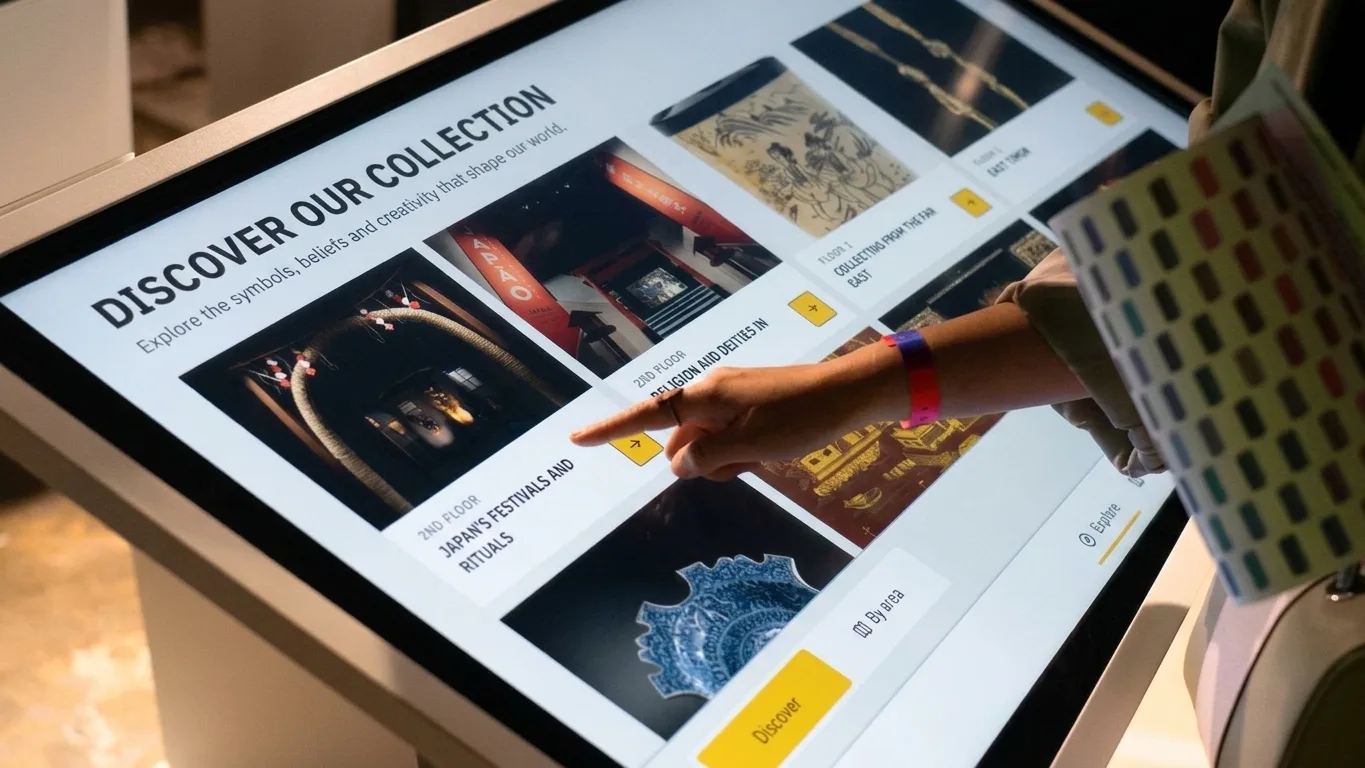
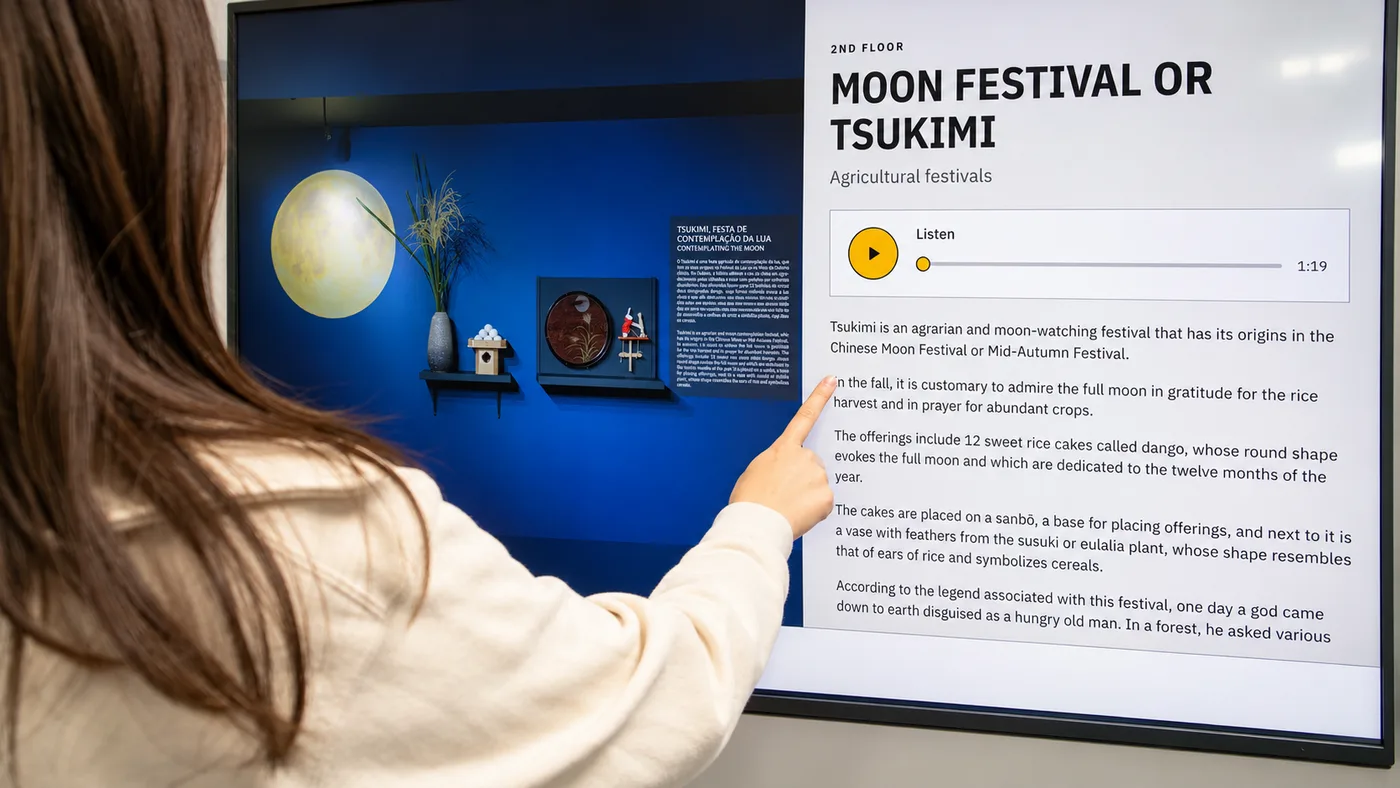
Most museum touchscreens are one-off projects: expensive to build, hard to update and often abandoned when support ends. Zoomguide Station works differently.
Your stories, images, audio and translations already live in the Zoomguide CMS. Pick a template, and the screen is ready.
A smart Zoomguide box turns existing touchscreens into interactive guides. No new hardware budget needed.
Software updates, maintenance and hardware replacement are part of the license, so your screens keep working year after year.
Audio, multilingual and accessible content, on a shared screen that invites visitors to explore together.
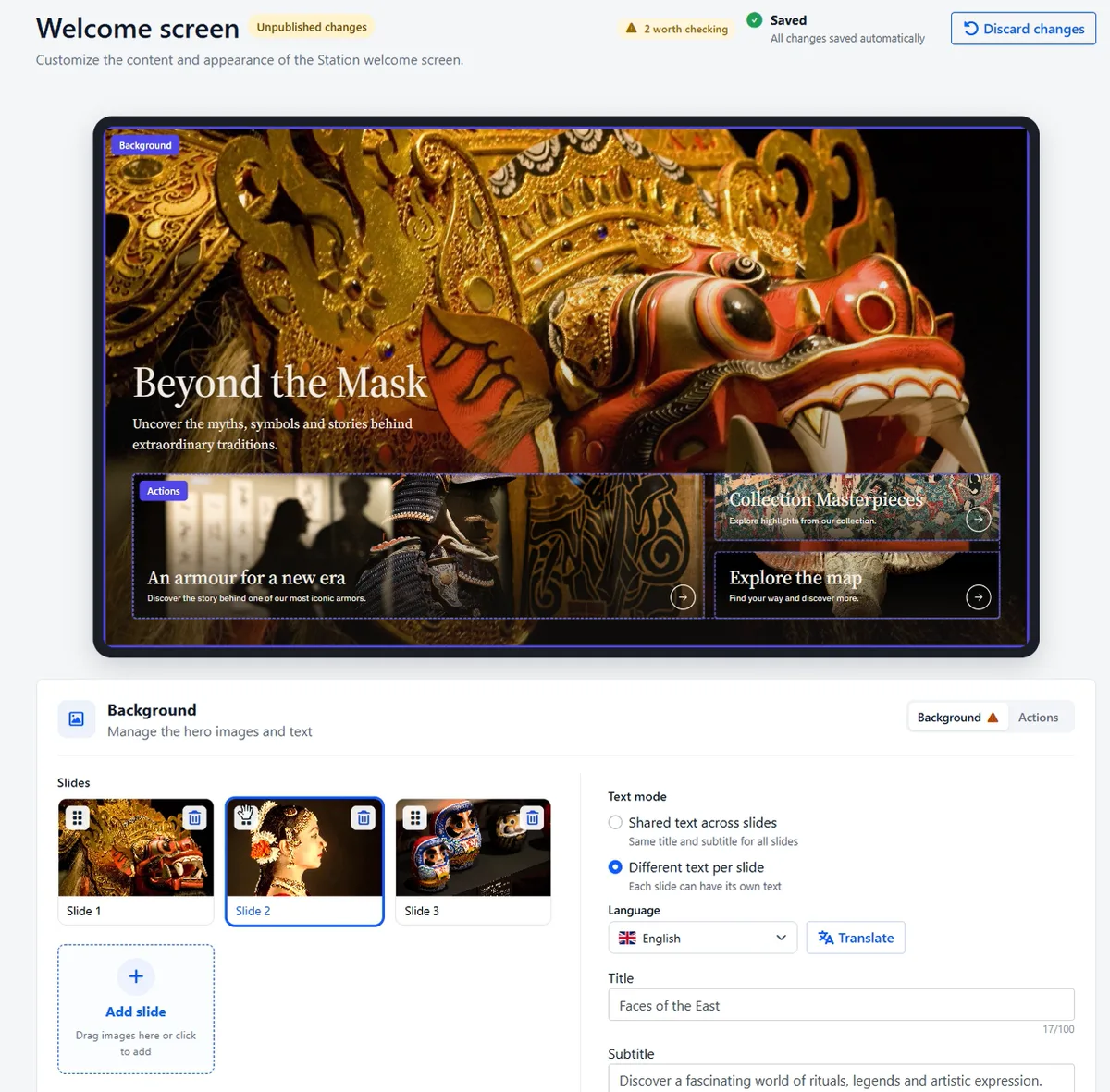
Your team builds touchscreen experiences in the same Zoomguide CMS used for the Visitor App. Start from a template designed for touch, apply your branding and choose what visitors see first.
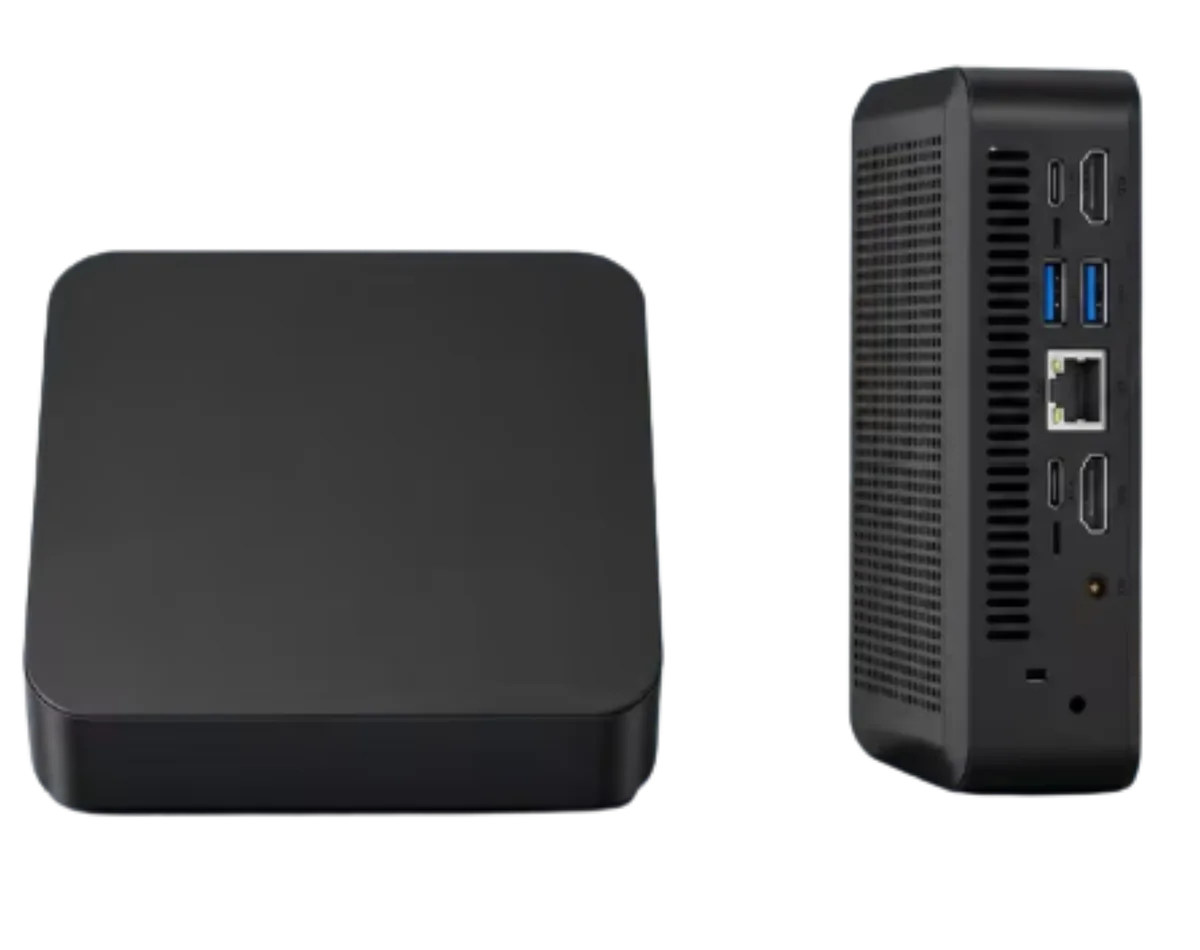
There is no need to replace the screens you already own. We ship a compact Zoomguide box, ready to use. Plug it into your screen and visitors can start exploring your collection.
| Typical custom kiosk | Zoomguide Station | |
|---|---|---|
| Hardware | New kiosks to buy | Works with the screens you have |
| Content | Produced separately for the kiosk | Managed in the CMS |
| Updates | Depend on the original developer | Your team, in the CMS, at any time |
| Support | Often abandoned when support ends | Maintained, with replacements included |
| With the mobile app | A separate system | One connected experience |
Software and hardware come in a single license, so your screens keep working for years without becoming a project of their own.
CMS tools, touchscreen templates and the Zoomguide box, in one annual fee.
The box arrives ready to connect. No installation project.
We look after the software and keep it up to date.
If the hardware fails, we replace it at no extra cost.
Touchscreens and the Visitor App share the same content and connect with each other. Visitors explore together at a shared screen and with the Visitor App on their own phone, as one continuous experience.
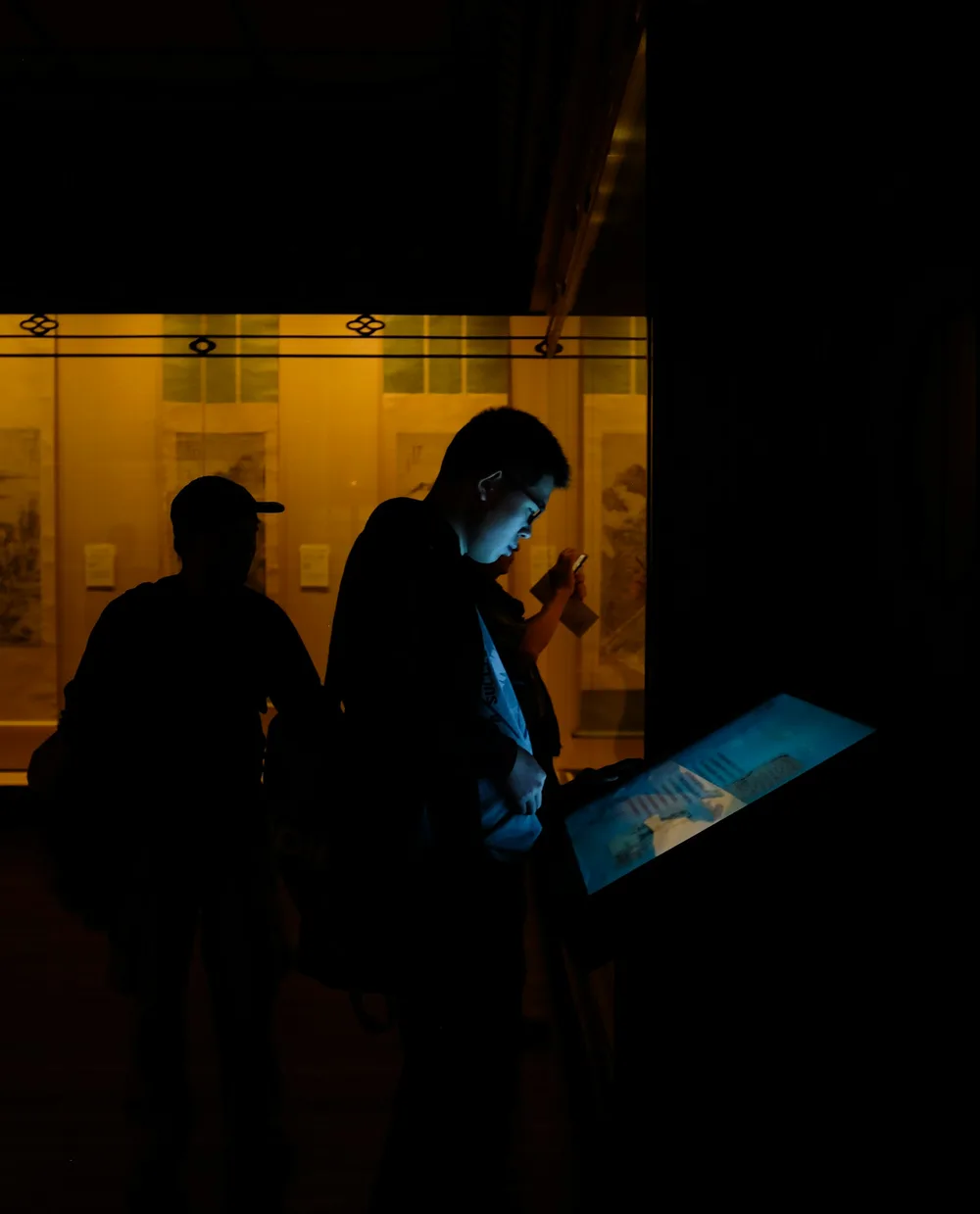
Zoomguide Station turns touchscreens into interactive guides for museums, exhibitions and heritage sites. Your team builds each screen in the Zoomguide CMS, using the content you already publish in the Visitor App and templates adapted to your branding.
No. A smart Zoomguide box connects to the touchscreens you already have and turns them into Zoomguide screens. If you need new screens, we can supply them too, as wall-mounted screens, freestanding totems or lectern kiosks.
Zoomguide Station is offered as an annual software and hardware license. It includes the CMS tools and touchscreen templates, the Zoomguide box shipped to you, software updates and maintenance, and hardware replacement if something fails.
The box arrives ready to use: plug it into your screen and visitors can start exploring your collection. Building the screen is quick too, because it starts from a template and from the content you already have.
Yes. The templates are designed for touch and can be adapted to your institution’s branding, so each screen looks like part of your exhibition.
They share the same content and connect with each other, so visitors get one continuous experience on the shared screen and on their own phone. When you update content in the CMS, both stay consistent.
Book a demo and tell us about your space and your screens. We’ll show you how Zoomguide Station would work with your content.
Book a demo and we’ll show you how Zoomguide Station would work with your content and your touchscreens.